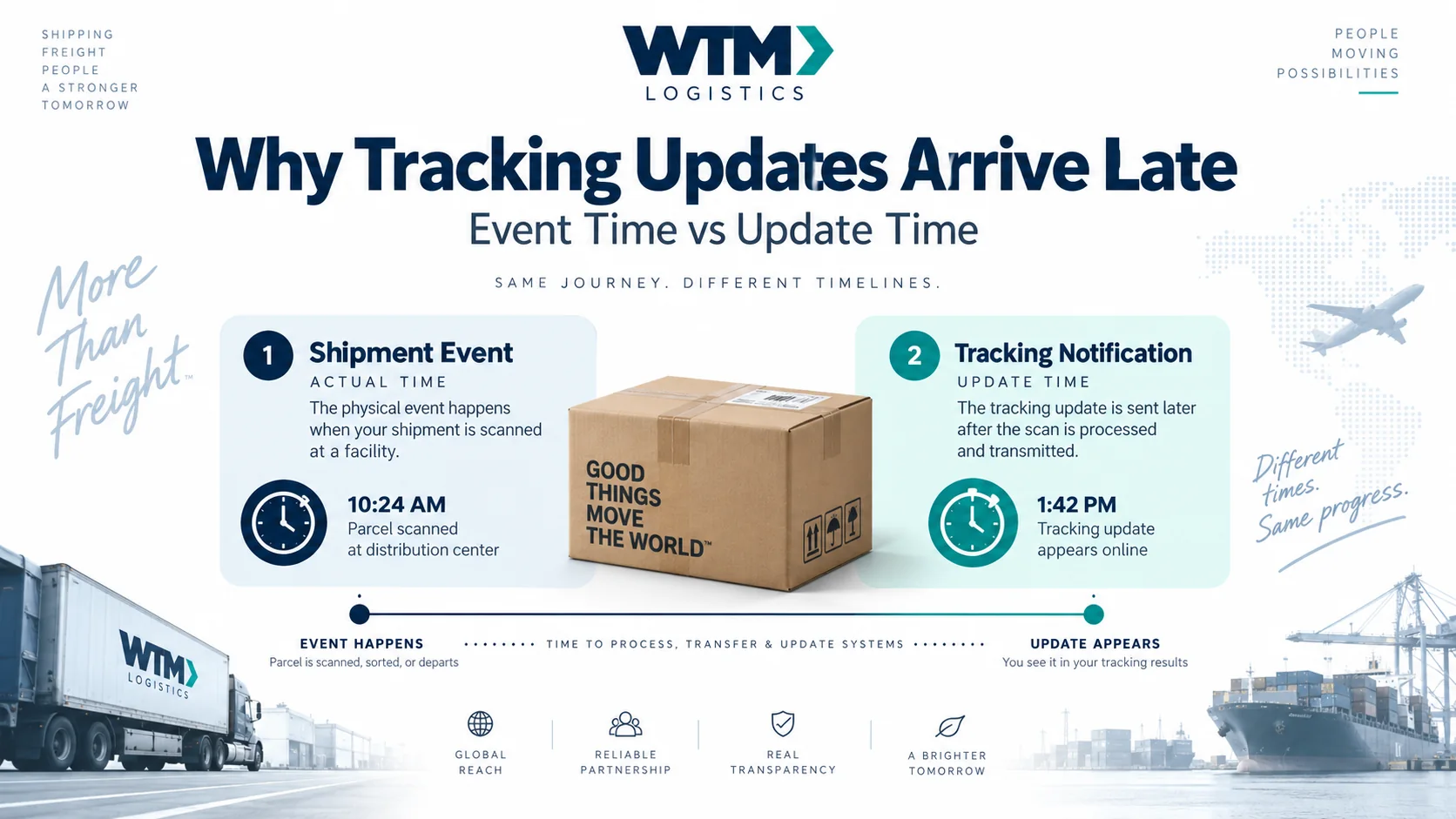
Two clocks in one tracking history
GS1’s EPCIS data model separates the time an event is asserted to have occurred from the time it was recorded in a repository. Its event information also includes time-zone context. This is a useful reference model; it is not a claim that every courier display or the WTM portal exposes those technical fields.
In plain language, ask whether the screen means “collected at 9:10” or “we received the collection message at 9:25.” An email’s sent time may be a third timestamp again.
An illustrative sequence
Assume all times below use the same zone and date. This fictional example demonstrates the difference between movement and message arrival.
If the display sorts by receipt time, “departed collection area” appears after “reached transfer point.” That ordering alone does not show the vehicle travelled backwards. The event timestamp describes the earlier action.
Collection reporting lag in this example is 15 minutes: 09:25 minus 09:10. That number measures information delay, not driving delay. Use the same timestamp basis before subtracting two times.
Do not explain away every inconsistency
A late upload is one possible explanation, not an automatic diagnosis. Other possibilities include a wrong shipment reference, a clock setting, a duplicated event or an incorrect scan. Ask the carrier to establish what happened using the shipment record.
A genuine delivery deadline is still evaluated against the agreed completion event. A message received before noon does not establish that the parcel arrived before noon if the underlying event says otherwise. Equally, a later notification does not erase an earlier documented handoff.
Check time zones before comparing locations
A time without a date and zone can be ambiguous. For operational notes, record both, such as “September 30, 15:10 UTC” or a local time with its offset. When sharing a screenshot, preserve the display’s date and time-zone label instead of copying only the hour.
A simple review sheet needs the shipment reference, event description, event time, update time where available, and the system providing each value. Mark an unavailable timestamp as unknown rather than substituting the time you opened the page.
Put the distinction to work
For an urgent WTM shipment, explain the receiver’s actual deadline in the booking. Use GPS visibility for coordination and the delivery record for confirmation. When an update seems inconsistent, send the reference and both timestamps you are comparing.
Is a delayed update evidence of a delayed parcel?
Not by itself. Compare the recorded physical milestone with the agreed requirement, then investigate any gap in the evidence.
Can I reconstruct exact driving time from notification emails?
Not reliably unless you know what every timestamp represents. Email dispatch and receipt times may include processing delays unrelated to vehicle movement.